Start access
Sign In, Set Up and Start Practicing
Use these steps to enter ConveraLab, finish your first-time setup, and find your next practice conversation from the dashboard.
Sign In With Your Email
Enter your email address and select Email me a sign-in link. Follow the link in the ConveraLab email to return here. If it expires, request another one.

Set Up Your Account
Complete these four short steps before you can start practicing.
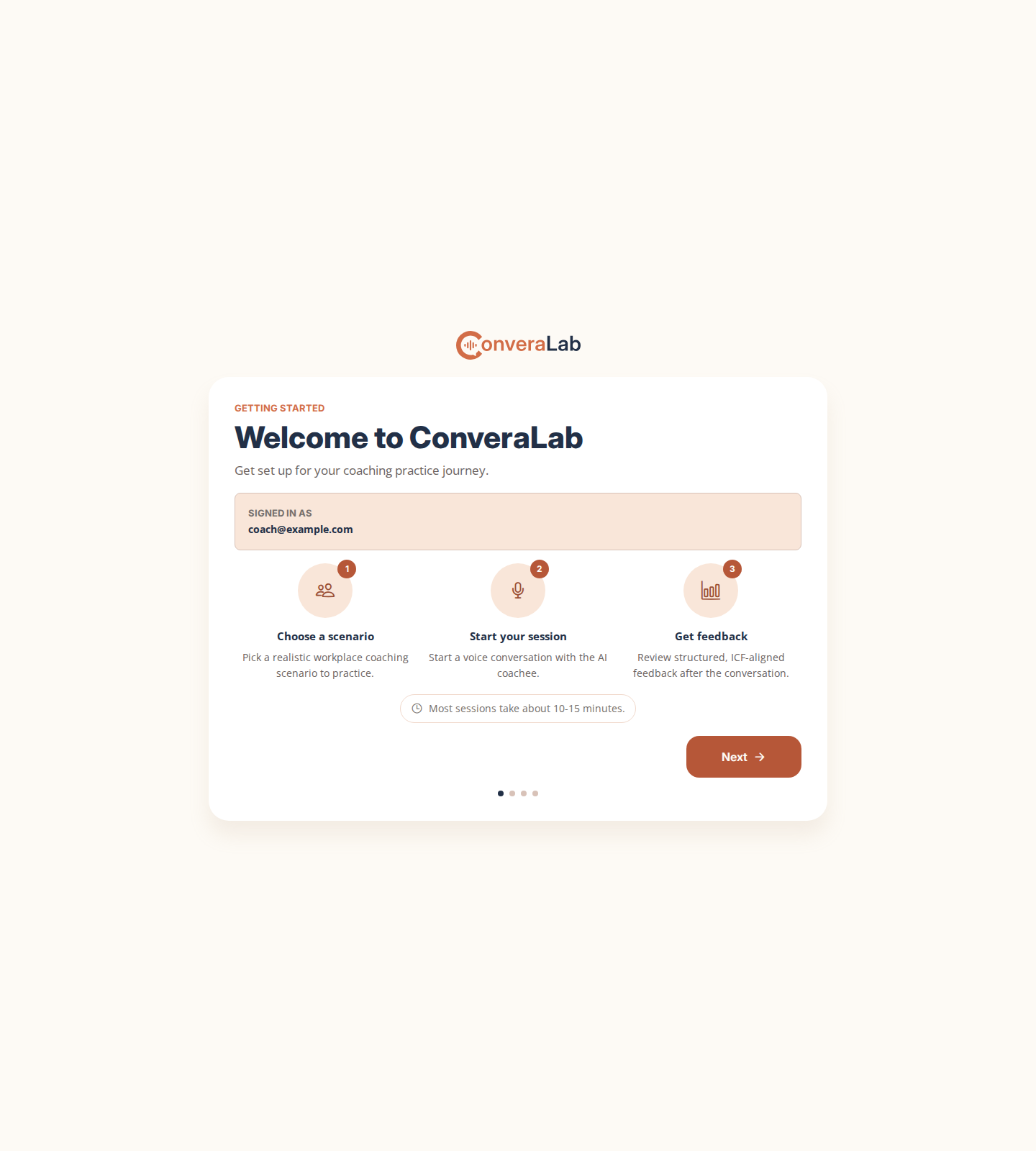
Welcome To ConveraLab
Review the introduction to see what happens next: choose a scenario, practice a conversation, and use your feedback to improve.
Review And Accept The Terms
Read how ConveraLab works, how your information and practice records are handled, and who can view your progress. Accept the terms to continue.

Tell Us About Your Professional Background
Enter your required Display Name, which appears alongside your practice records. This can be updated later from your profile. The other fields are optional but will help guide future features of ConveraLab.

Answer Your Starting Point Questions
Answer each Quick Reflection question, then submit your answers. This gives you a starting point for seeing how you improve over time.

Use The Dashboard To Decide What To Practice Next
The dashboard brings your progress, recent activity, available scenarios, and updates together in one place.

Check the dashboard before each practice conversation. It is the quickest way to see new scenarios, next steps, and progress updates.